

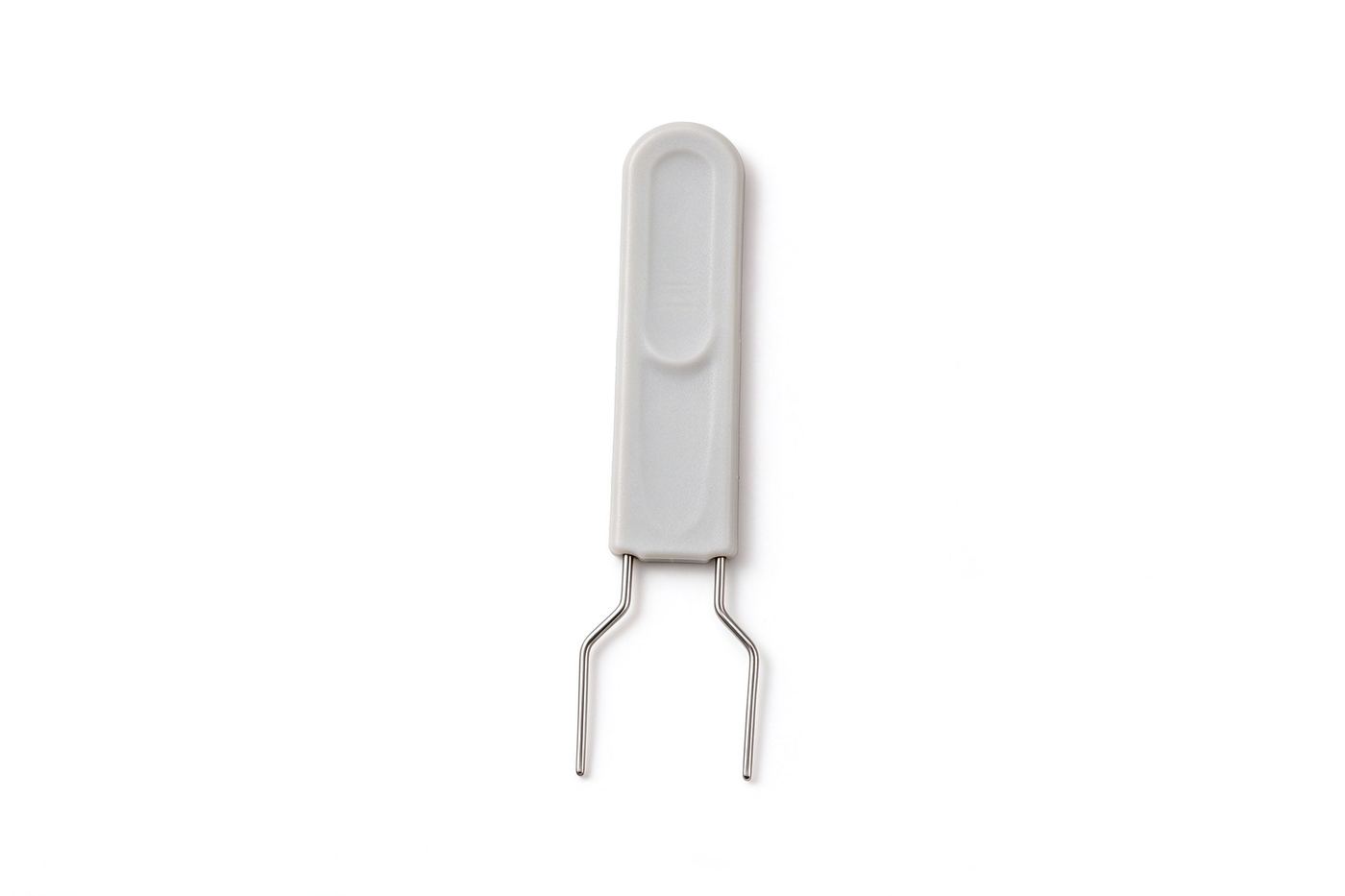
Pulling keycaps by hand bends the stems
Grabbing a keycap with your fingers or a screwdriver can bend or crack the switch stem. A wire puller lifts straight up from both sides for a clean, safe removal.
- ▪ Bent stems. Uneven pull damages switches.
- ▪ Cracked caps. Forcing edges chips plastic.
- ▪ Hard work. Tight caps resist removal.
- ▪ Finger slip. Grip fails on oily caps.
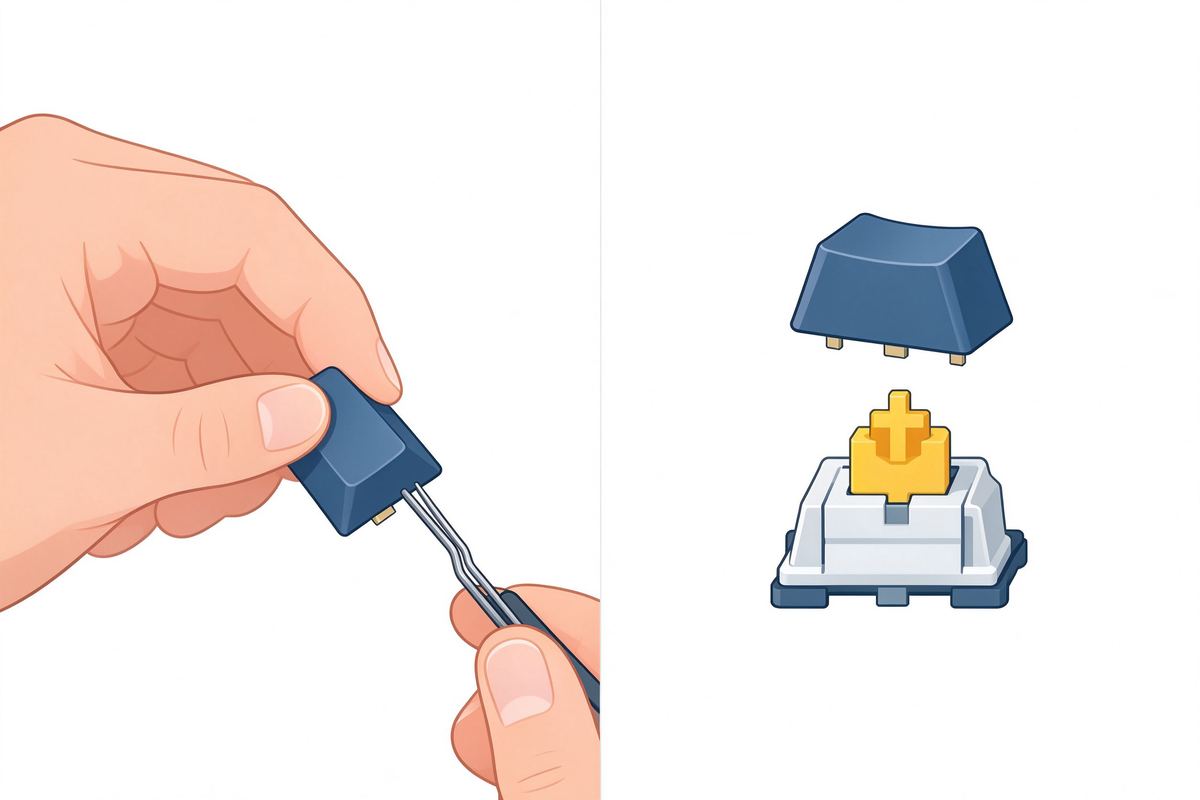
Lifts keycaps straight off the switch
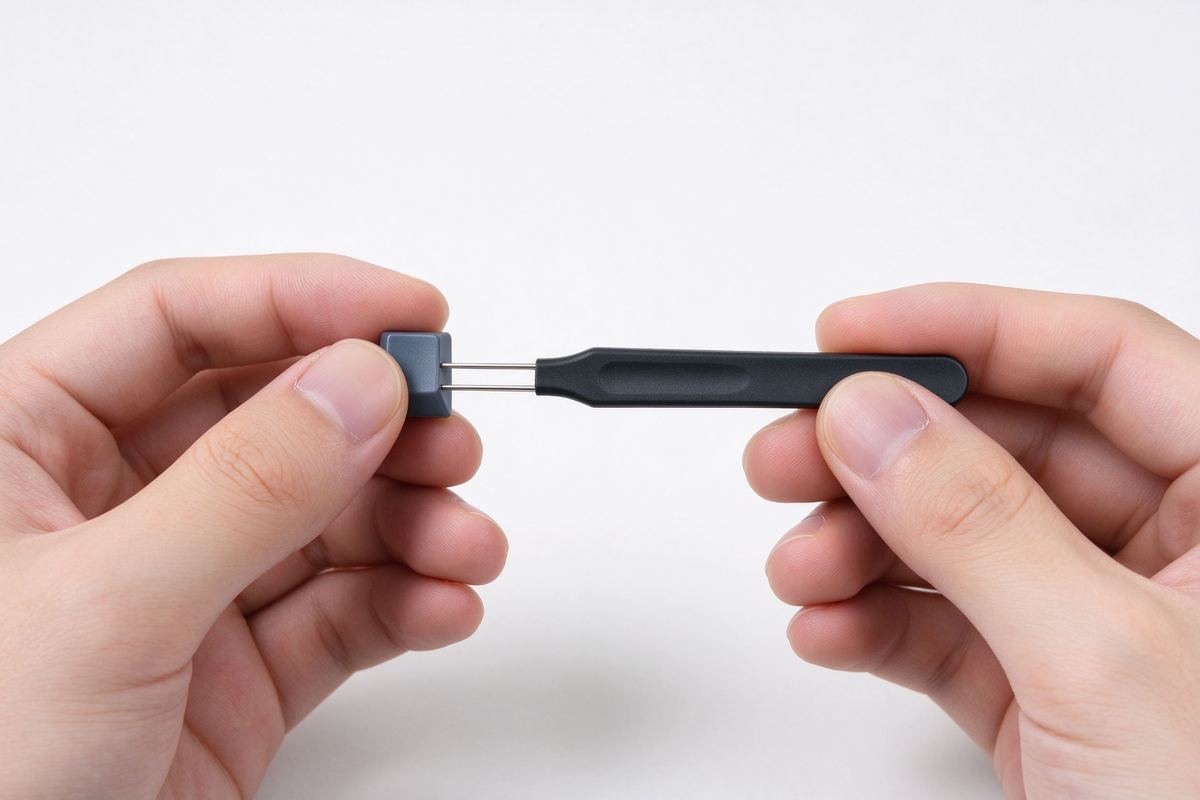
Slide the wire loops under the keycap, grip both sides, and pull straight up to release it evenly without stressing the stem.
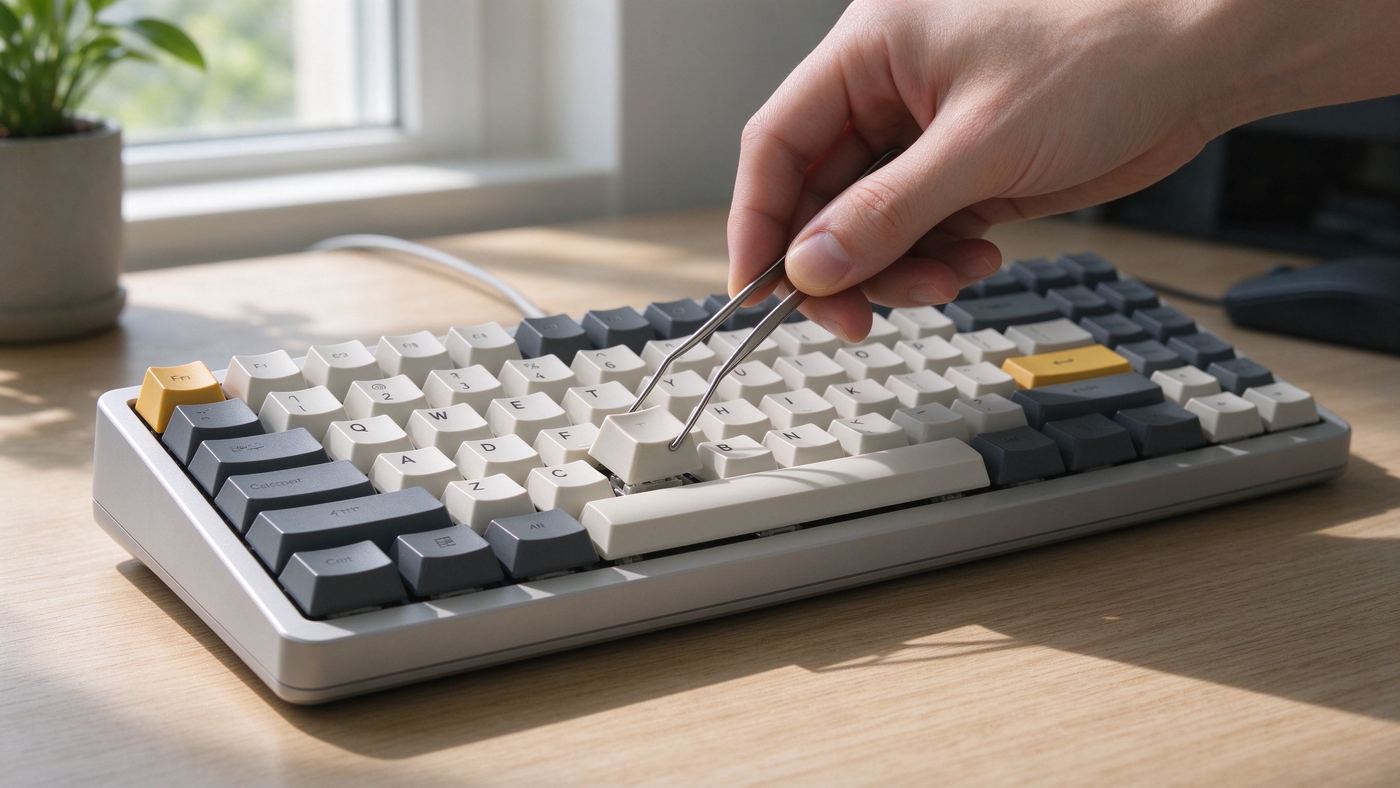
Fit under the cap edges.
Even pull both sides.
Comfortable to hold.
Lifts without bending.
Steel wire with a molded handle
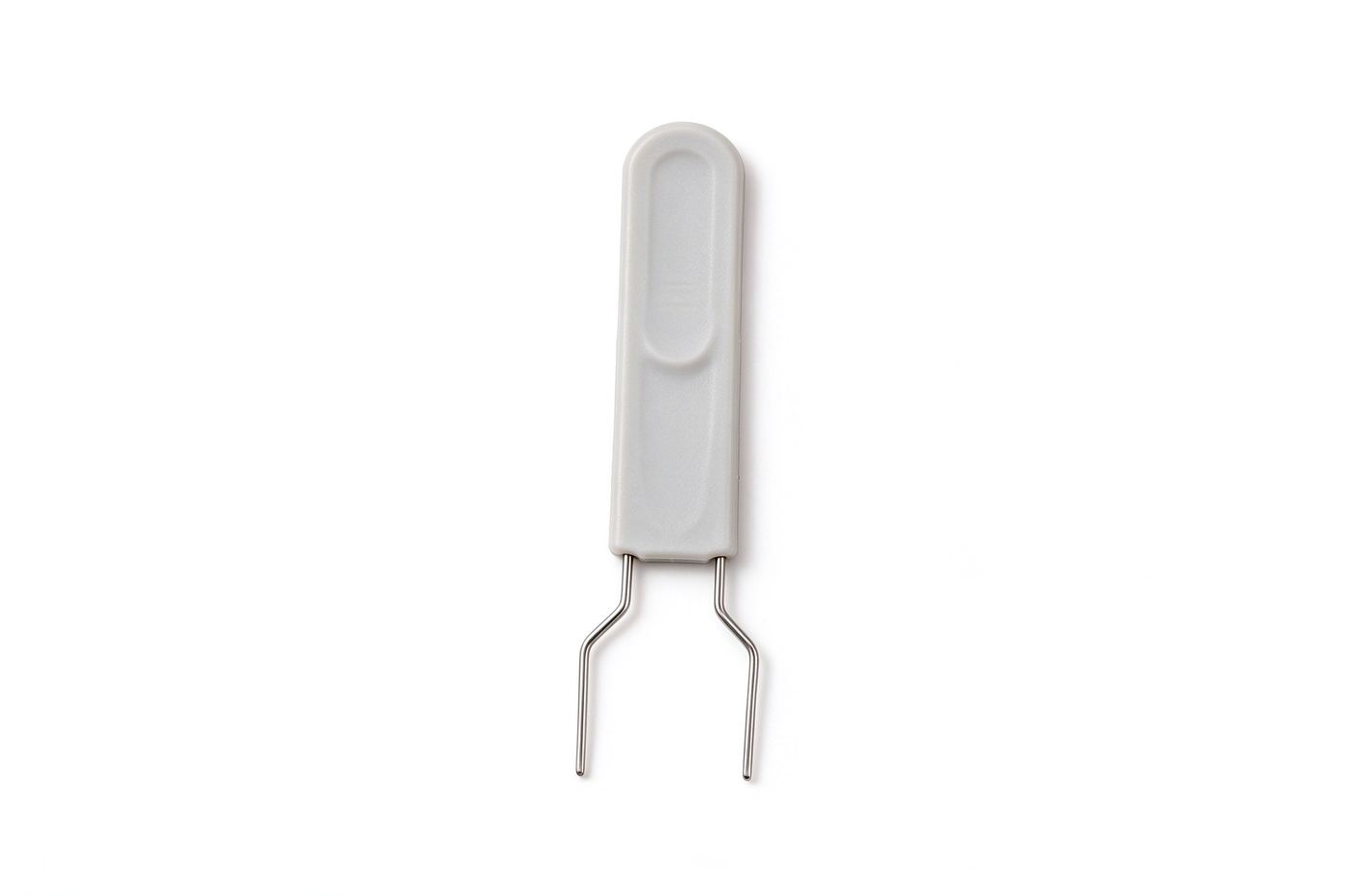
The tool pairs strong wire loops with a comfortable molded handle, sized to fit standard keycap gaps.
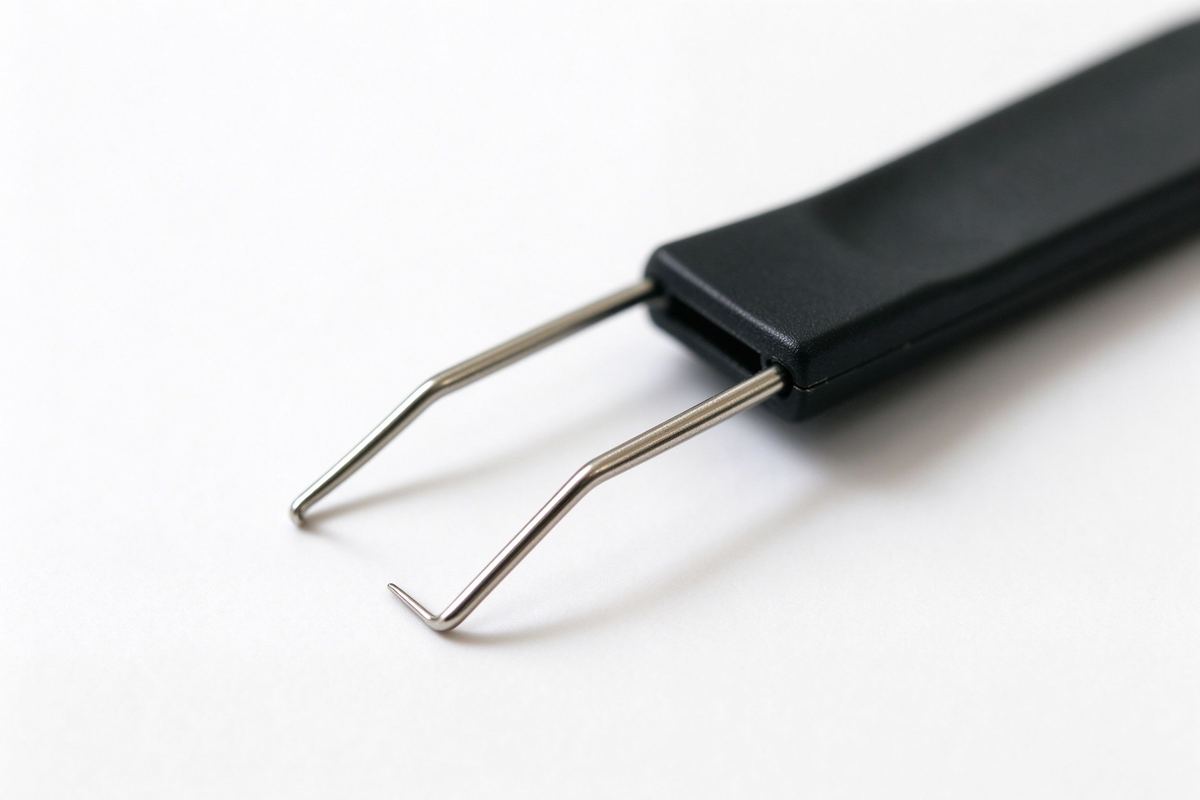
- ▪ Steel wire. Strong and durable.
- ▪ Molded handle. Comfortable grip.
- ▪ Open loops. Slide under caps.
- ▪ Compact size. Easy to store.
Slide, grip, pull
Simple steps to remove a keycap.
Work loops under the cap.
Hold both sides evenly.
Lift straight off the switch.
Move to the next cap.
General specs, verify fit
Typical values for a wire keycap puller; verify it fits your keycap gaps before ordering.
| Specification | Value |
|---|---|
| Product | Wire Keycap Puller |
| Material | Steel wire, molded handle |
| Use | Keycap removal |
| Fit | Cherry MX style caps |
| Grip | Two handed |
| Care | Wipe clean |
| Warranty | 30-day replacement on defects |
Note: Verify the puller fits your keycap gaps before ordering; pull straight up with gentle pressure.
Puller versus bare fingers
Same keycap, two removals. Here is how they line up.
| At a glance | This product | Fingers |
|---|---|---|
| Stem safety | Even pull | Bends |
| Edge | Clean lift | Chips |
| Grip | Solid | Slips |
No surprises in the pack
You receive the keycap puller tool.
| Specification | Value |
|---|---|
| Product | Keycap Puller |
| Material | Steel wire, handle |
| Use | Keycap removal |
| Fit | Cherry MX style |
| Care | Wipe clean |
| Warranty | 30-day defect replacement |
A wire puller for safe keycap removal.
Pull straight up with gentle pressure.
Keep the wires clean and straight
Simple care keeps the tool working.
- ▪ Wipe clean. Remove oils and dust.
- ▪ Pull straight. Keep the lift even.
- ▪ Avoid force. Let the wire do the work.
- ▪ Store safe. Keep it with your keycaps.
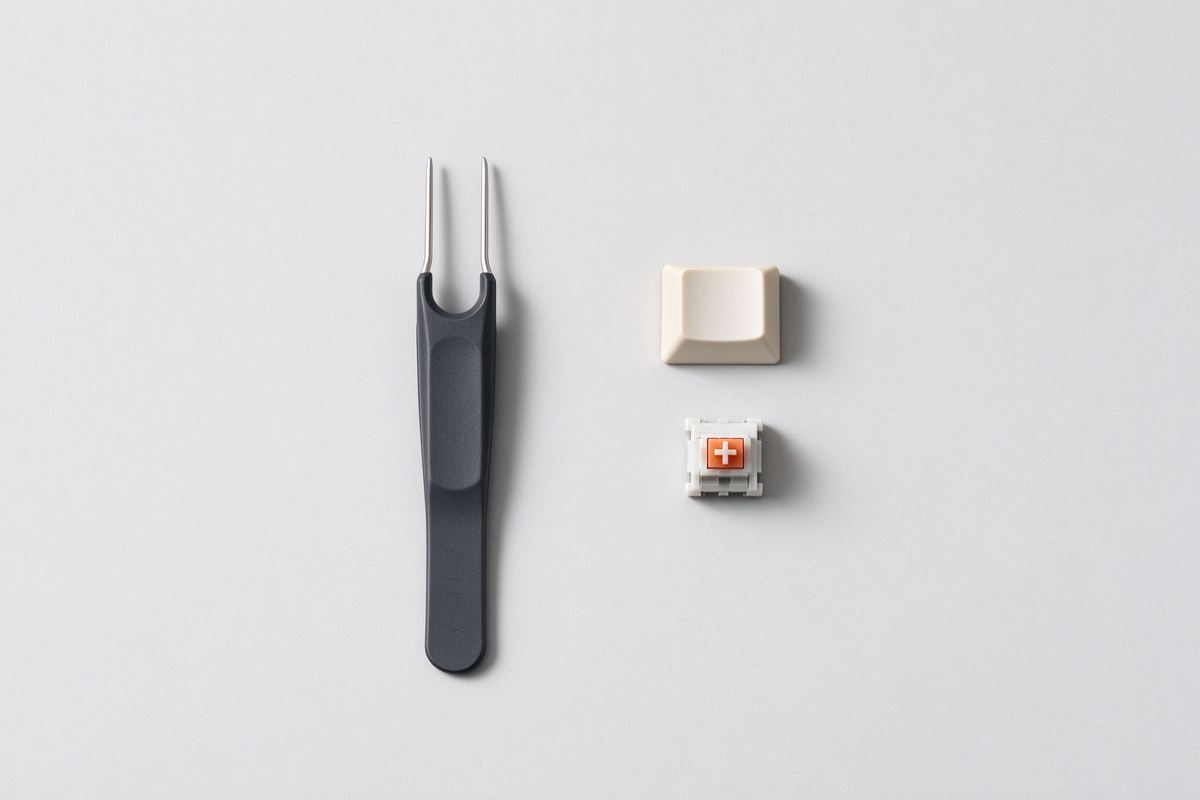
It removes keycaps from mechanical keyboard switches.
It fits Cherry MX style caps with standard gaps; verify the fit before ordering.
No, an even two-handed pull lifts the cap without bending the stem.
Yes, slide the loops under, grip, and pull straight up.
Keep it clean and store it with your keyboard tools.




Reviews
There are no reviews yet.